At home
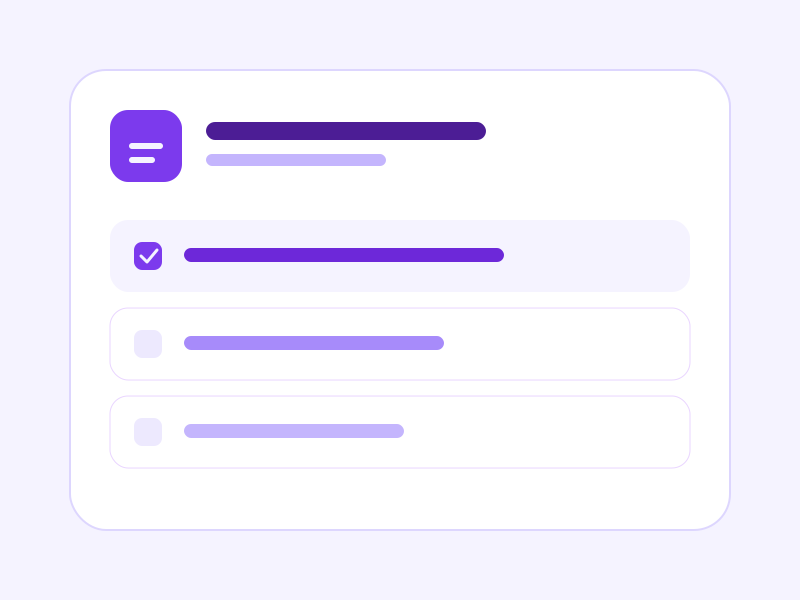
A checklist for the weekend, a day plan, or a contact list you can open again.
MyBrixa app / Studio
Studio keeps mini-pages in one place: a checklist, a calculator, a day plan, a price list, contacts, a step-by-step guide, or your own HTML. Share any page with a link or a QR code, view only or with editing.
No MyBrixa account yet? Create a MyBrixa account
Works for home and for a business.
A checklist you tick, a shelf of templates, and a share link with a QR code.
How it works
Pick a template, fill it in, then share it when you are ready.
Start with a checklist, calculator, day plan, price list, contact list, step-by-step guide, or a blank HTML page.
Type the title and the lines. The preview stays inside a locked frame.
The same page works for a household list or a business sheet.
Turn on a link. Choose view only or editing. A new link replaces the previous one right away.
A look inside
A checklist you tick, a shelf of templates, and a share link with a QR code.
A checklist keeps one line per item. Progress stays with the page.
Where it fits
The same templates, whether the list stays with you or goes out as a link.
A checklist for the weekend, a day plan, or a contact list you can open again.
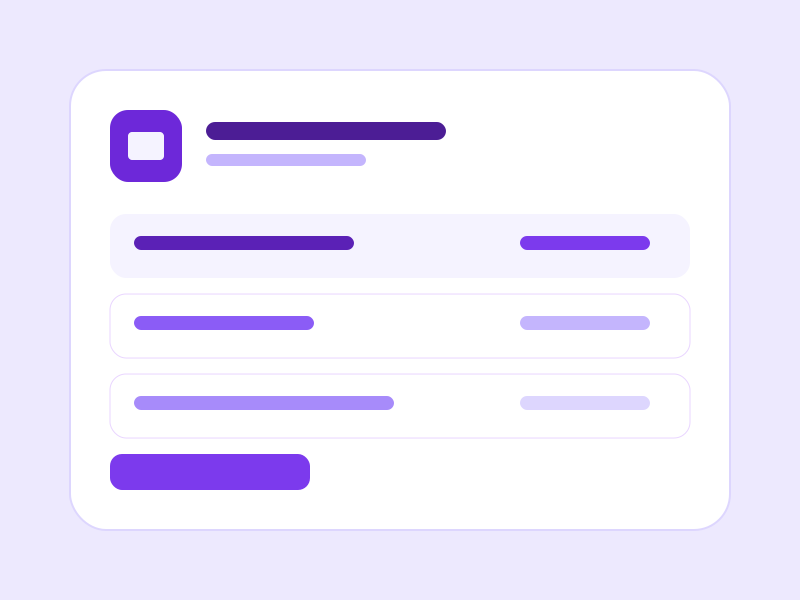
A price list, a calculator, or a step-by-step guide for the team.

Send a view link or an edit link. A QR code opens the same page.
Sharing
Sign in with your MyBrixa account. New here? Create an account on MyBrixa, then come back.
Turn sharing on when the page is ready. View only, or let the other person edit. A new link closes the old one immediately.
See plans